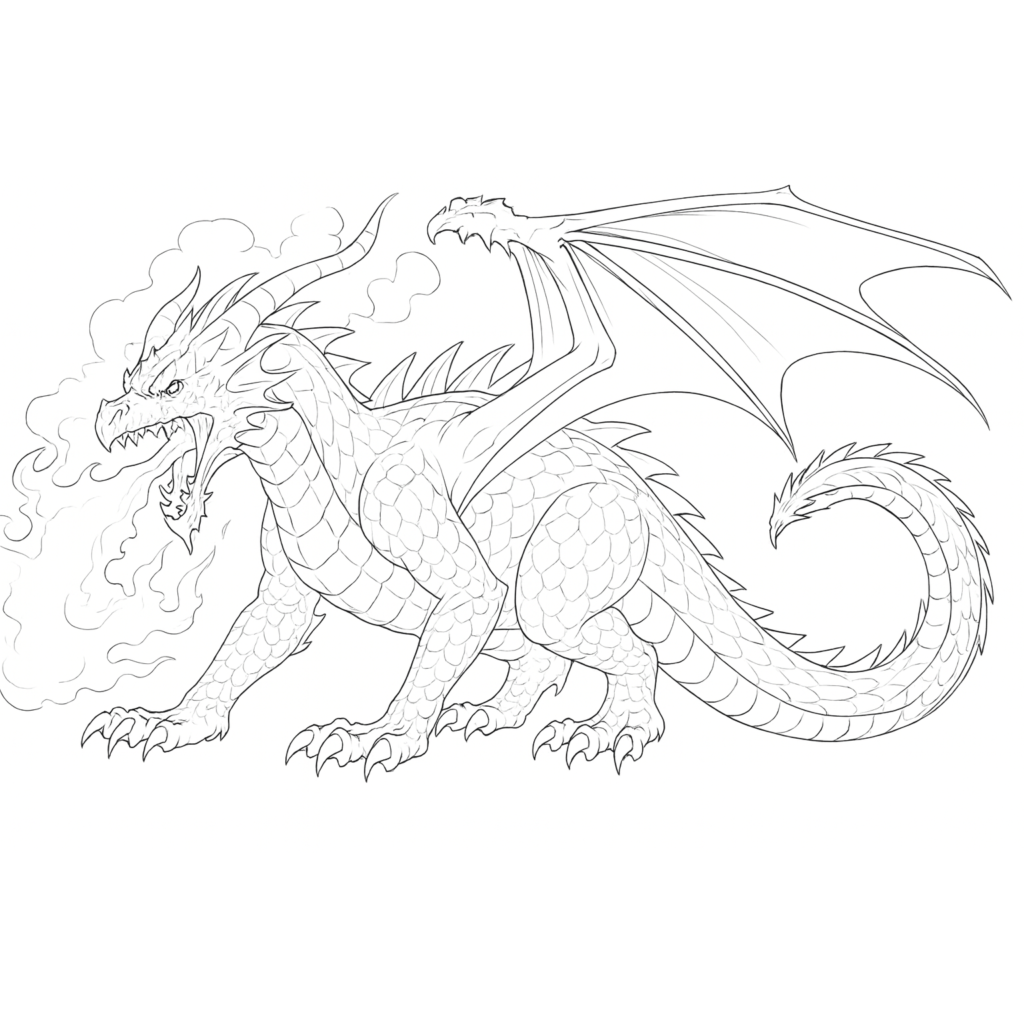
The Starting Process
This initial pencil sketch captures the foundation of the character, establishing form, proportions, and overall design direction.
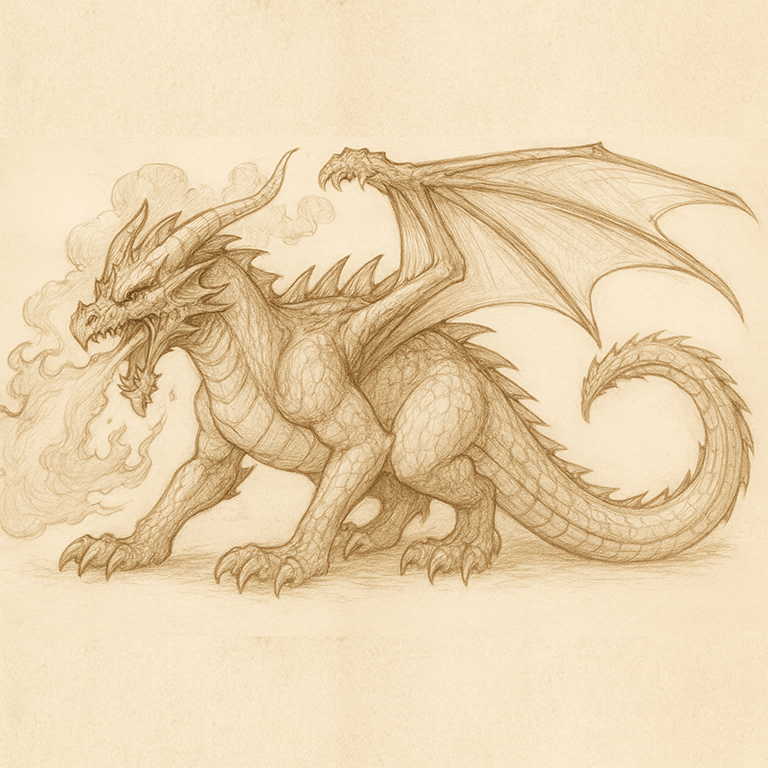
Refining & Defining Details
Once the base sketch is complete, I enhance the character by tightening the silhouette and defining essential features. This step brings structure and personality to the design, preparing it for final rendering and production.
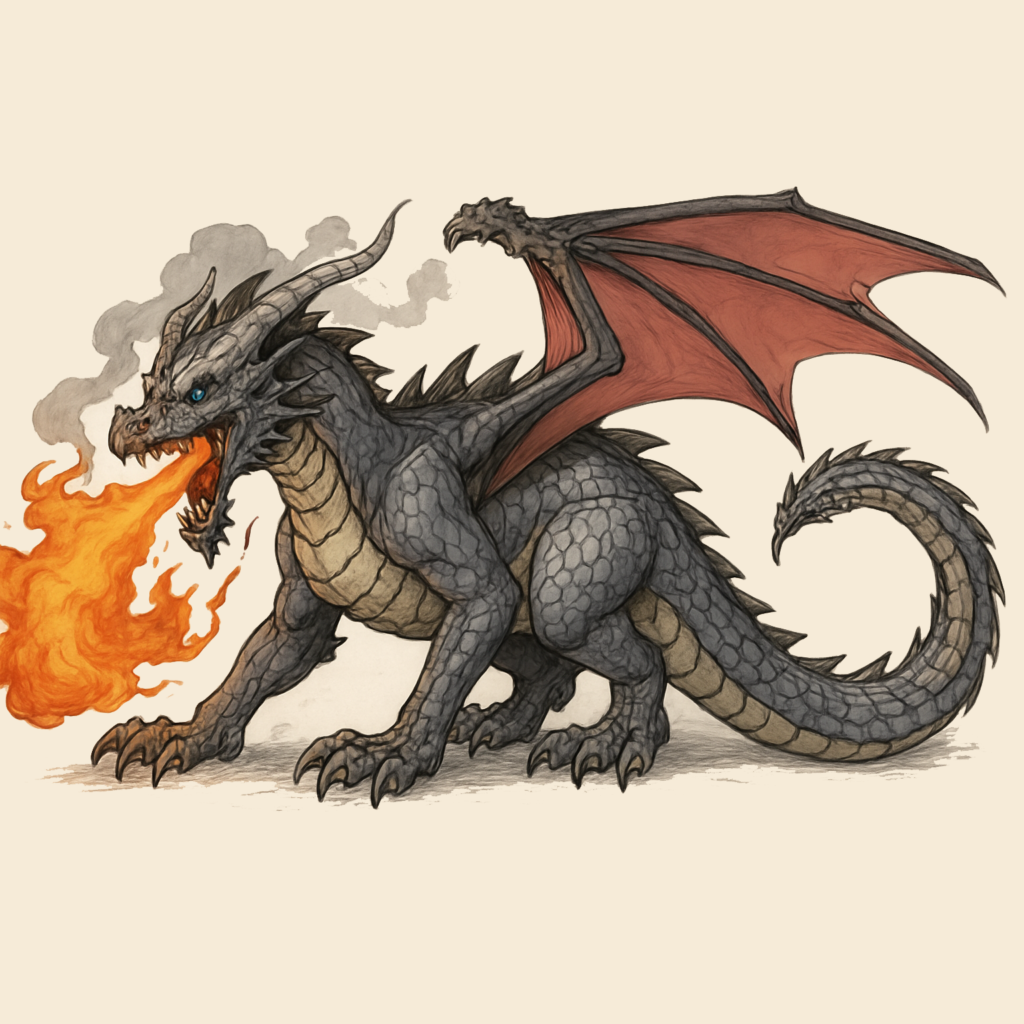
Final 2D Render
The final 2D render is created in Adobe Photoshop, where the character design is fully refined and cleaned up. At this stage, line work is sharpened, colors are finalized, and details are clearly defined to present a complete visual of the character.
This step is critical because it serves as the visual blueprint for the 3D process in Autodesk Maya. A clean and well-defined render ensures that proportions, features, and design intent are accurately translated into the 3D model.
Without this level of clarity, inconsistencies can occur during modeling and rigging. Taking the time to properly finalize the 2D render guarantees a smoother workflow and a more accurate, high-quality result in the final animated character.
Video Demo
The process begins in Adobe Photoshop, where the character is visually developed. In this stage, we outline the design, define proportions, and block in key shapes and features. This creates a clean 2D reference that guides the entire production.
Once the design is finalized, the character is brought into Autodesk Maya for the 3D production phase. Here, the character is modeled (if needed), then rigged—meaning a digital skeleton and control system are created so the character can move naturally.